
Claude Code Intensive Training
Turn your designers into design engineers.
In three days, your designers go from raising tickets to building the thing themselves — working prototypes, full-stack applications, and design agents that run around the clock.
The problem
Your design team should be shipping code.
The fastest design teams no longer stop at the mock-up — their designers build and ship. If yours still hands everything off, every step between a finished design and a live product is a cost you're choosing to keep. Here's what it looks like.
Ideas die in the backlog
Every token change, prototype, and internal tool idea joins the engineering queue. Designs that could ship this week wait for a sprint that may never come.
What ships isn't what you designed
Specs, redlines, and Slack threads stand between the design and the build. Every handoff loses intent — and getting it fixed means joining the queue again.
Production work eats the week
Resizing assets, reformatting files, writing handoff notes — hours spent on work a workflow should do, by the same people who could be shipping product.
AI in browser tabs, not in the work
Your designers already use AI — for prompts in a chat window. Meanwhile the actual product still ships through tickets. That's AI spend without shipping capability.
What you'll gain
After three days, your designers can…
Build full-stack applications
Take an idea from a Figma frame to a working, deployed product — real screens, real data, used by real people — without waiting for an engineering sprint.
Orchestrate design agents that work around the clock
Set up agents that audit brand compliance, prep asset batches, and update documentation overnight — the team arrives to finished work, not a to-do list.
Use Claude with your existing design tools
Connect Claude Code to Figma, your asset libraries, and your design system — so it reads your real files and writes back to your real tools.
Push to GitHub, deploy automatically
Designers' work lives in version control — every change reviewed, reversible, and live minutes after it's approved. No release ceremony, no asking engineering to deploy.
Test ideas as working prototypes
Put a functioning product in front of users in days, not quarters — interactive components, live data, real behaviour. User tests measure the product, not a facsimile.
Ship design changes straight to production
Update tokens, copy, and layout in the codebase and ship the same afternoon — no ticket, no queue, no translation loss.
Curriculum
Three cumulative days
The days are cumulative and run in order. Each builds on the one before. Every exercise runs on your team's own design files, so every skill applies to real work from the first session.
Fundamentals: drive Claude Code on real work
Setup on every surface — desktop app, VS Code, terminal — then straight into real work. Designers learn how Claude Code actually operates: it reads your files, makes changes, and asks permission before acting. The core skill of the day is prompting — giving it context with screenshots and Figma exports, scoping requests so they succeed first time, reviewing every change, and undoing anything. Each designer finishes a task they currently hand off, then turns one of their own designs into a working prototype.
By the end of the day
Every designer finishes a real piece of work and builds their first working prototype — and can direct, check, and undo Claude Code without help.
- Set up Claude Code and learn how it works: it reads your files, makes changes, and asks first
- Prompt with context — point it at files, paste screenshots and Figma exports, scope requests so they land first time
- Review every change in plain terms; use checkpoints and rewind so nothing is ever stuck
- Have it plan and explain its approach before it touches anything
- Finish a real design task, then turn one of your own designs into a working, clickable prototype
Design examples
Power features: make it remember, make it repeatable
Day 2 covers Claude Code's memory and automation features — so the team stops re-typing what the tool should already know. Brand guidelines, token conventions, and naming rules go into CLAUDE.md once and apply automatically for everyone. Repeated tasks become custom slash commands and skills anyone can run. Plan mode handles the bigger jobs, and the team's work moves into GitHub — every change reviewed, reversible, and deployed automatically on approval.
By the end of the day
Your standards live in CLAUDE.md, your most-repeated tasks run as one-command workflows, and work ships through GitHub — reviewed, reversible, deployed automatically.
- Write brand guidelines, token conventions, and naming rules once in CLAUDE.md — applied automatically, for everyone
- Save repeated tasks as custom slash commands and skills the whole team shares
- Use plan mode and extended thinking for jobs too big to wing
- Keep long work healthy across sessions — resume yesterday's thread, fix work in sections
- Ship through GitHub: Claude Code writes the commits and pull requests, you review, deploys run automatically
Design examples
Advanced: agents, connections, and full builds
The features that make Claude Code an agent platform rather than an assistant. The team connects it to Figma, asset libraries, and live data with MCP; defines subagents that audit, prepare, and document in parallel; and uses hooks and headless mode to run work on schedules and triggers — overnight, before launches, when files land. The capstone uses all of it: each designer builds and deploys a full-stack application from their own design.
By the end of the day
Agents handle routine production around the clock on your real tools, and every designer has shipped a working application — Figma frame to live URL.
- Connect Claude Code to Figma, asset libraries, and your design system with MCP
- Define subagents — brand auditor, spec writer, QA reviewer — and run them in parallel
- Automate with hooks, schedules, and triggers — work that runs overnight or when files land
- Build and deploy a full-stack application from one of your own designs
- Set permissions and sign-off rules IT can approve — what runs unattended, what doesn't
Design examples
Ready to start?
Talk to us about your design team.
Proof
What participants say
How it works
Simple to get started
Submit a request
Tell us about your team — your function, size, and what you want them doing with Claude Code. Use the form below or book a call directly.
Alignment call
A 20-minute call to confirm scope, format, and timing. We agree the right starting day and any specifics for your team's tools and workflow.
The workshop
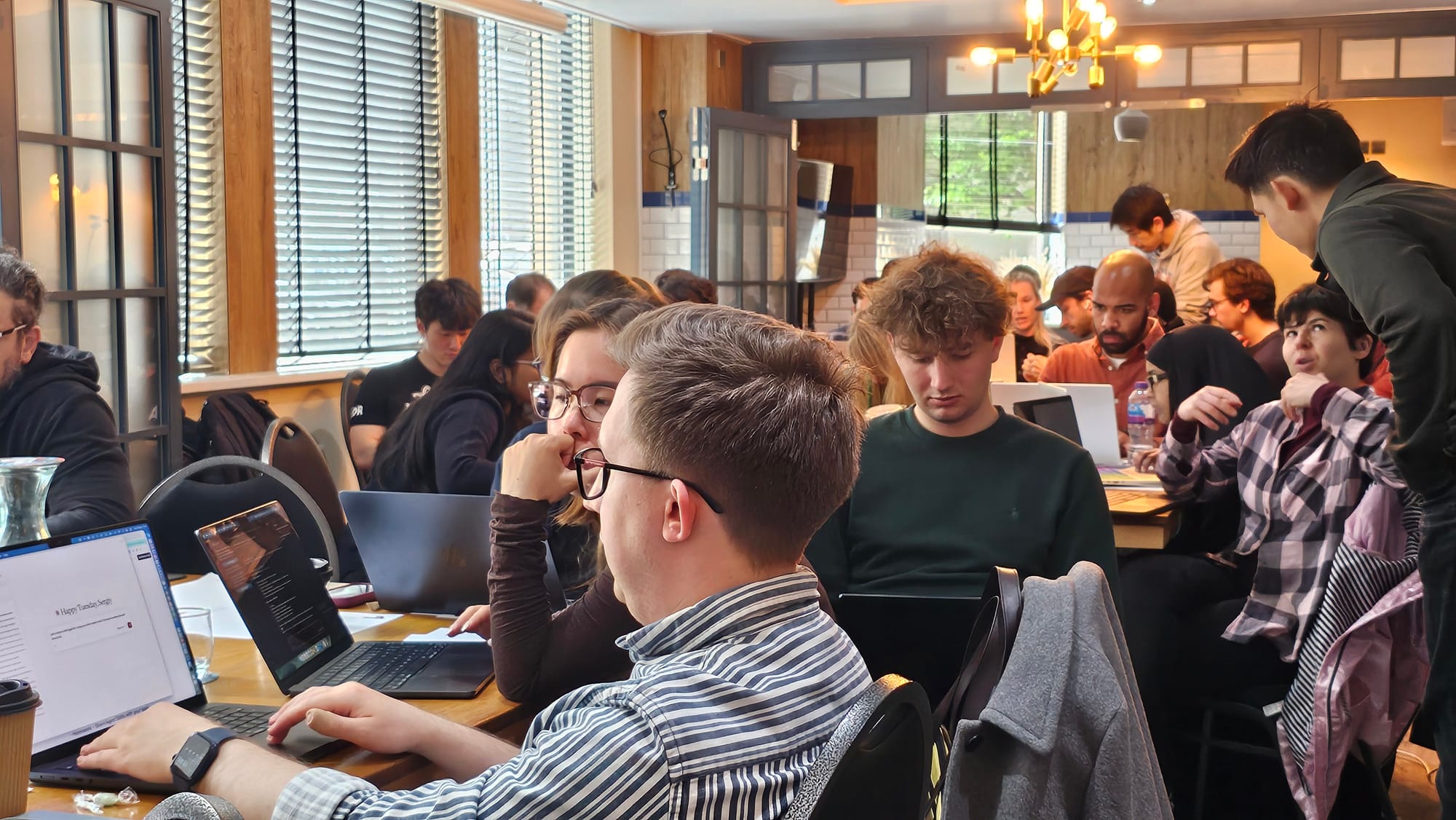
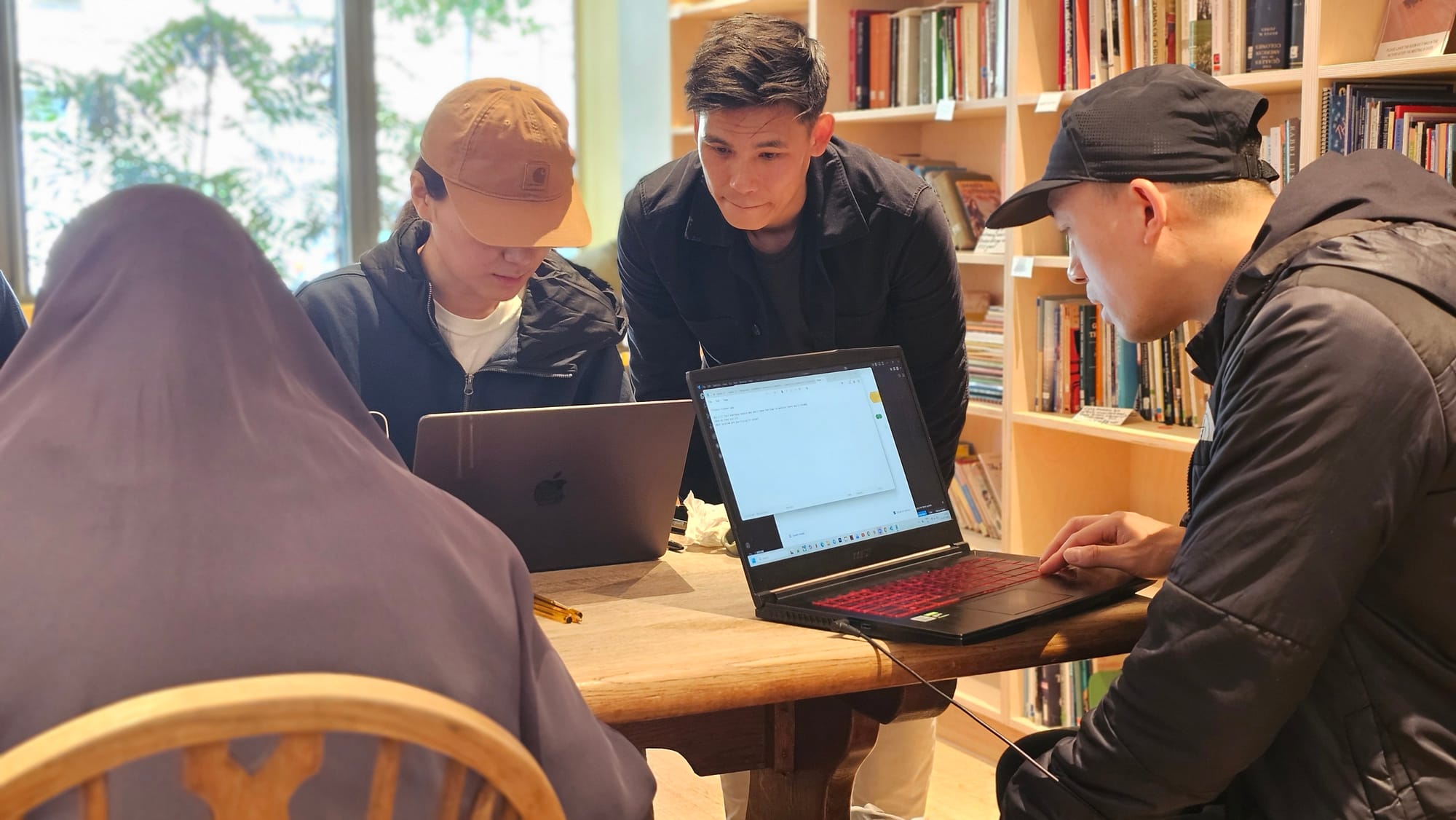
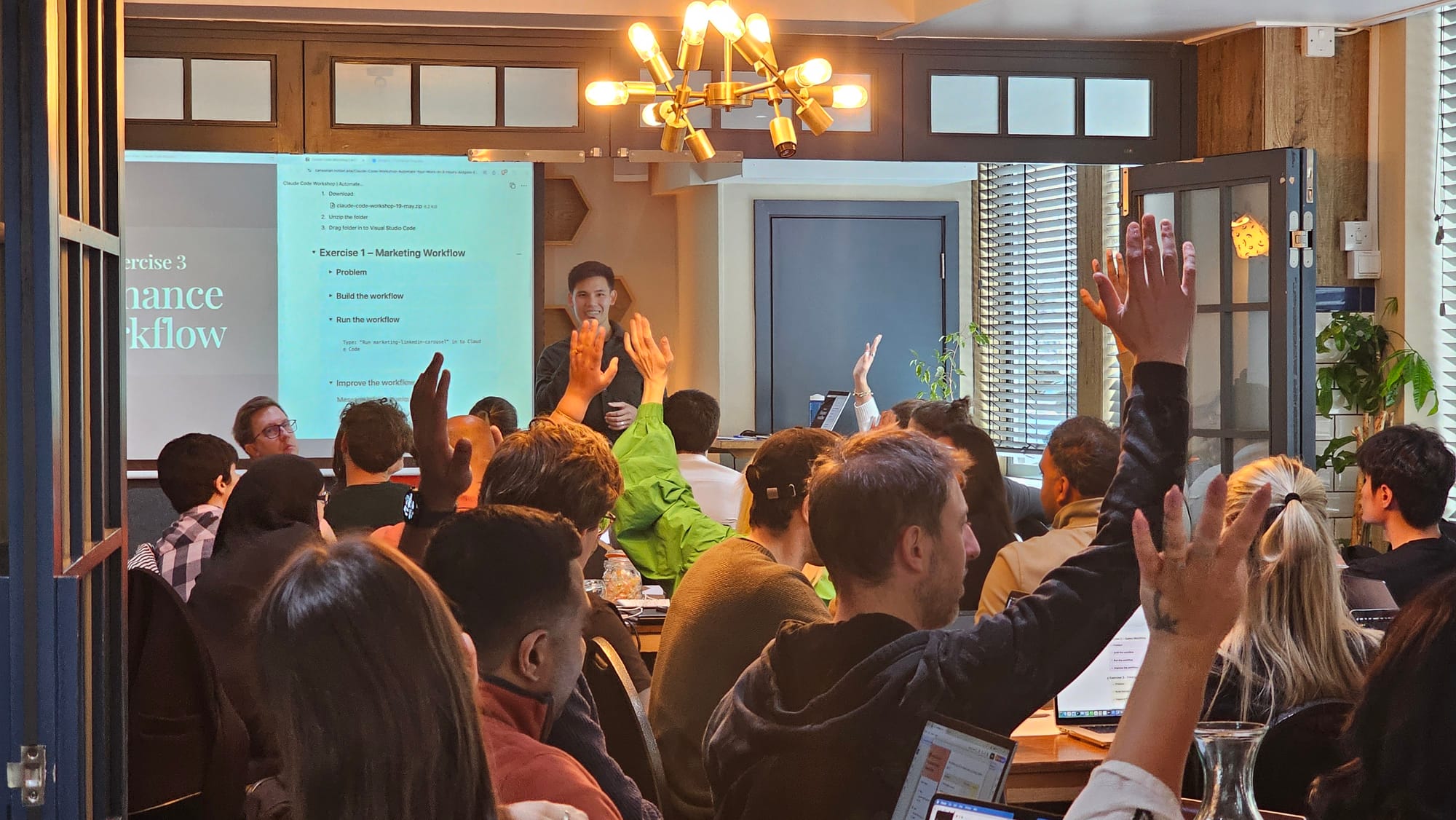
Your team works with Claude Code on their actual design files. Hands-on from the first hour. They leave with working prototypes, shared workflows, and agents they use the following week.
FAQ
Common questions
Our designers aren't technical — can they really use this?
Yes. Day 1 assumes no coding or technical background and begins at setup. By the end of the first day, every participant has completed a real piece of their own work — using their own design files, not sample data.
Can designers really build full applications without engineers?
Yes — Claude Code writes the code; your designers direct it. By Day 3, each participant builds and deploys a working application from their own designs. Production systems still go through your engineering process — but prototypes, internal tools, and MVPs no longer have to wait for one.
Will it respect our brand guidelines and design system?
That's the point. Your team learns to load your brand guidelines, token libraries, and design standards into Claude Code so it applies them automatically — for every task, for everyone on the team.
Can this be delivered remotely, or does it need to be on-site?
Either. The workshop runs remotely over video or on-site at your offices in the UK or internationally. Travel is factored into the proposal.
What stops this fading once you leave?
The team keeps everything built during the days — the commands, files, and workflows — plus a record of what was covered. Because the series is cumulative, the habits are built in rather than demonstrated. Optional follow-up sessions are available for teams that want ongoing support.
What do participants need on the day?
A laptop with admin rights, a Claude account with Claude Code access (we confirm the right plan on the alignment call), and the design files or work they'll practise on. No software needs to be installed in advance.

Your facilitator
Mark Nguyen
16 years building products at Microsoft, Amazon, Zynga, and Mediatonic — now teaching non-technical teams to do more of their own work with AI.
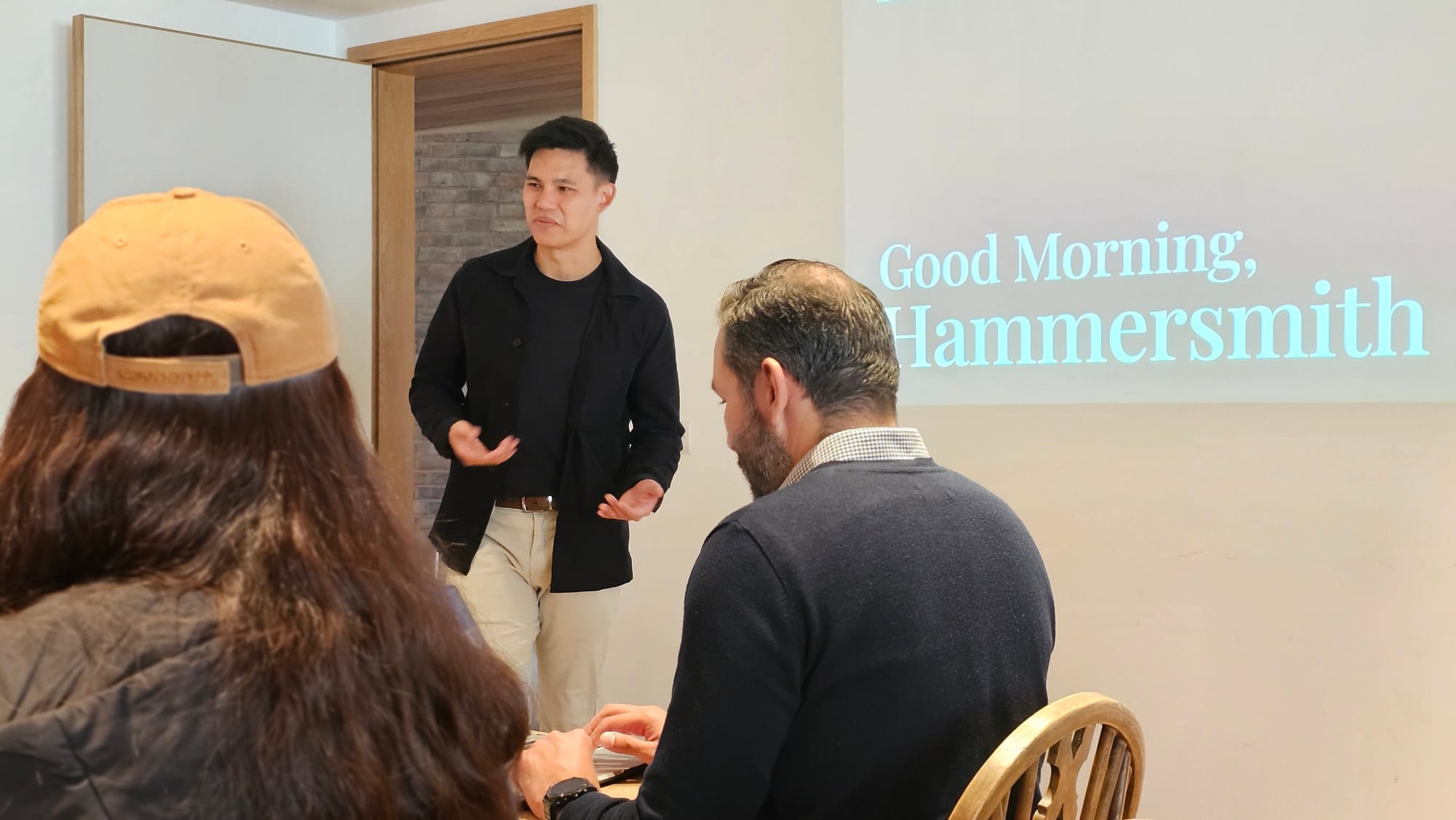
I run hands-on Claude Code training for people in marketing, design, sales, and finance — not just engineers. Every workshop is built around your team's real tasks and the tools they already use.
This is not a theory session. Your team does real work on the day and leaves with workflows they can use the following week.
Ready?
Get your design team started
Tell us about your team. We'll confirm scope on a short call and set the date.
Fastest path
Book a 20-min scoping call
We agree your team size, format (remote or on-site), and starting day. No obligation.
Or send an enquiry