Claude Code Intensive Training for Employees

Claude Code Intensive Training

Turn employees into AI Experts

Turn up with your laptop. Leave with the toolset to build. This is an interactive Claude Code masterclass for non-technical teams.

Proof

What participants say

"The best part of the workshop was realising that AI can actually take a task off your plate entirely. I left feeling confident that I finally have a practical way to use AI in my day-to-day work, not just theory or hype."

AB

Aishwarya Banerjee

Business Consultant

"Thanks Mark and the team for an amazing workshop yesterday."

ST

Sergiy Tsymbal

CEO, BoostWorkforce

"The vibe coding workshop was amazing regard of the different tech levels of everyone. It delivered an amazing amount of valuable and practical knowledge."

DB

David Blanco

Co-Founder, White Systems Consulting

Audience

Who this is for

01

Marketing

Create agents to generate unlimited on-brand content. Add a connector to pair insights with deliverables. Build custom apps to delight stakeholders.

02

Design & creative

Don't wait for engineering. Create full-stack applications from scratch and orchestrate agents to implement features on existing apps. Use Claude Code as mission control for your entire design methodology.

03

Sales

Prepare account research, tailor proposals and outreach from your own templates, and tidy CRM exports. Standardise the repetitive parts of the pipeline into steps Claude Code runs on request.

Overview

Workshop overview

Claude Code is an agentic AI coding assistant created by Anthropic. It runs as a desktop app, inside an editor such as VS Code, or in the terminal - reading and editing files, and working through multi-step tasks on its own. This series teaches non-technical teams - marketing, design, sales, and finance - to use it directly, with no coding background assumed.

Teams learn to do the work they currently wait on engineering for, making the organisation more productive take on more without increasing headcount. Every exercise is built on the team's own files and data, so the skills apply to real work from the first day. Because each day builds on the last, spending on AI becomes reusable capability rather than a one-off result.

Curriculum

The three days

The days are cumulative and run in order. Each builds on the one before, so a team starts at Day 1 and continues as far as it needs. Every exercise uses your team's own tasks and files, so the series fits whatever your function does.

DAY 01

Fundamentals: drive Claude Code on real work

Setup on every surface — desktop app, VS Code, terminal — then straight into real work. Participants learn how Claude Code actually operates: it reads your files, makes changes, and asks permission before acting. The core skill of the day is prompting — giving it the right context, scoping requests so they succeed first time, reviewing every change in plain terms, and undoing anything. Each person finishes a task they currently hand off or wait on.

By the end of the day

Everyone finishes a real piece of their own work — and can direct, check, and undo Claude Code without help.

  • Set up Claude Code and learn how it works: it reads your files, makes changes, and asks first
  • Prompt with context — point it at files, paste screenshots, scope requests so they land first time
  • Review every change in plain terms; use checkpoints and rewind so nothing is ever stuck
  • Have it plan and explain its approach before it touches anything
  • Finish a real task — document, report, or brief — before the day ends
DAY 02

Power features: make it remember, make it repeatable

Day 2 covers Claude Code's memory and automation features — so the team stops re-typing what the tool should already know. Tone, terms, and standards go into CLAUDE.md once and apply automatically for everyone. Repeated tasks become custom slash commands and skills anyone can run. Plan mode handles the bigger jobs, and the team's work moves into GitHub — every change reviewed, reversible, and deployed automatically on approval.

By the end of the day

The team's standards live in CLAUDE.md, its most-repeated tasks run as one-command workflows, and its work is version-controlled — reviewed, reversible, deployed on approval.

  • Write your tone, terms, and standards once in CLAUDE.md — applied automatically, for everyone
  • Save repeated tasks as custom slash commands and skills the whole team shares
  • Use plan mode and extended thinking for jobs too big to wing
  • Keep long work healthy across sessions — resume yesterday's thread, fix work in sections
  • Ship through GitHub: Claude Code writes the commits and pull requests, you review, deploys run automatically
DAY 03

Advanced: agents, connections, and autonomy

The features that make Claude Code an agent platform rather than an assistant. The team connects it to the tools and data it already uses with MCP, defines subagents that handle specialist jobs in parallel, and uses hooks and headless mode to run work on schedules and triggers — overnight, on deadlines, when files land. The capstone uses all of it: each participant builds and deploys a working application from scratch.

By the end of the day

Agents run the team's routine work around the clock on its real tools, governed by rules it wrote — and every participant has built and shipped a working application.

  • Connect Claude Code to the data, tools, and systems your team already works in with MCP
  • Define subagents for specialist jobs — research, drafting, checking — and run them in parallel
  • Automate with hooks, schedules, and triggers — work that runs overnight or when files land
  • Build and deploy a complete working application from scratch
  • Set permissions and sign-off rules IT can approve — what runs unattended, what doesn't

Workshop details

Duration 3 days · 1 per level
Format remote · on-site
Audience For non-technical teams: marketing, design, sales, and finance
Led by Mark Nguyen
Pricing
From £5,000 per day
Team size Up to 25

Each day is £5,000 for up to 25 participants. The series is cumulative: teams start at Day 1 and continue as far as they need.

Enquire now
"The best part of the workshop was realising that AI can actually take a task off your plate entirely. I left feeling confident that I finally have a practical way to use AI in my day-to-day work, not just theory or hype."
Aishwarya Banerjee

À la carte

Extend the series

Optional days that build on the core three. Each is £5,000 for up to 25 participants, and assumes the team has completed the fundamentals.

1 day · £7,500

AI-native design engineering

The team ideates and solves problems using AI design tools. They then learn to Claude Code to build production quality apps and tools.

Covers

  • Google Stitch
  • Figma Make
  • Claude Code
  • Design thinking
3 days · £22,500

Engineering rigour

The team operates like an elite-level big-tech engineering team.

Covers

  • Version control with Git
  • Automated deployments and hosting
  • Guardrails for safe changes
  • Token economics and cost control
1 day · £7,500

Agent skill library

Anyone in the organisation can run any workflow - including a new hire on day one.

Covers

  • A reusable Claude Code skill for each recurring workflow
  • Brand campaign briefs and proposals
  • On-brand mini-sites
  • Creator performance reports

Before you start

What you'll need

A laptop with admin rights

Each participant brings a Mac, Windows, or Linux laptop they can install software on. Claude Code runs as a desktop app, a VS Code extension, or in the terminal.

A Claude account with Claude Code access

Each participant needs their own access set up before Day 1, on a Claude subscription or usage-based billing through Anthropic. We confirm the right option for your team on the alignment call.

The work you'll use on the day

The files, folders, or data each person will practise on, so every exercise runs on real work rather than samples.

Process

How it works

STEP 01

Submit a request

Use the enquiry form to tell me about your team and goals. I'll be in touch within 24 hours to set up a call.

STEP 02

Alignment call

We jump on an alignment call to diagnose your team's specific bottlenecks. We select the high-ROI modules, tailor the curriculum for maximum impact, and finalise the dates.

STEP 03

The workshop

I lead the workshop, remotely or on-site at your offices. Your team leaves with working tools, new workflows, and the confidence to keep using Claude Code on their own work.

Schedule

What to expect on the day

AM

Setup and walkthrough

Each day starts with the day's tools set up against real files or data. A short walkthrough of the concepts is followed by a worked example everyone runs.

Guided practice

Hands-on work on the day's material with direct support, applying each technique as it is introduced rather than watching demonstrations.

PM

Your own work

Participants apply the day's techniques to their own tasks, documents, or data, with help on hand.

Review and next steps

We review what was produced, note what to practise, and prepare for the next day in the series.

Your workshop facilitator, Mark Nguyen

Your facilitator

Mark Nguyen

16 years building products at Microsoft, Amazon, Zynga, and Mediatonic - now teaching non-technical teams to do more of their own work with AI.

I run hands-on Claude Code training for people in marketing, design, sales, and finance - not just engineers. Every workshop is built around your team's real tasks and the tools they already use.

This is not a theory session. Your team does real work on the day and leaves with workflows they can use the following week.

Read full bio →

FAQ

Common questions

Our team isn't technical - can they really use this?

+

Yes. Day 1 assumes no coding or technical background and begins at setup. By the end of the first day, every participant has completed a real piece of their own work.

What stops this fading once you leave?

+

The team keeps everything built during the days - the commands, files, and workflows - plus a record of what was covered. Because the series is cumulative, the habits are built in rather than demonstrated. Teams that start with 1:1 coaching also keep a champion inside the team, and optional follow-up sessions are available.

Can we trust what it produces, and is it safe?

+

Checking and undoing the agent's work is taught on Day 1. Day 3 sets approval guardrails - what it may do on its own and what a person signs off - and a short written policy for the team.

We already use ChatGPT. What's different about this?

+

This is about doing real work on your own files, data, and systems - not chatting in a browser tab. It turns AI spend into workflows the team owns and reuses.

Can we start with fewer than three days?

+

The days run in order, so a team starts at Day 1 and continues as far as it needs. Day 2 and Day 3 build on what comes before and aren't run on their own.

What will it cost to keep using Claude Code after the workshop?

+

Beyond the workshop fee, each participant needs ongoing access to Claude Code - either a Claude subscription seat or usage-based billing through Anthropic.

What does our IT team need to approve, and where does our data go?

+

Claude Code runs on each participant's own machine and works on the files and folders you point it at. To answer a request, it sends the relevant content - your prompts, the files it is working on, and the results of any tools - to Anthropic's API to be processed. It asks before making changes or running commands, so a person stays in control. Anthropic's terms set out how your content is handled, and for enterprise and API plans they do not train their models on it by default. Your IT team can review Anthropic's security and privacy documentation, and I am happy to join a call with them.

Is it on-site or remote, and how many people?

+

Either - at your offices in the UK or internationally, or remotely over video. Up to 25 people per day, with larger groups on request.

Get your team using Claude Code on real work

Getting a non-technical team to use AI well takes more than handing out logins. It takes structured, hands-on training on the work they already do - so the team can do more without waiting on another team, and automate the tasks that repeat.

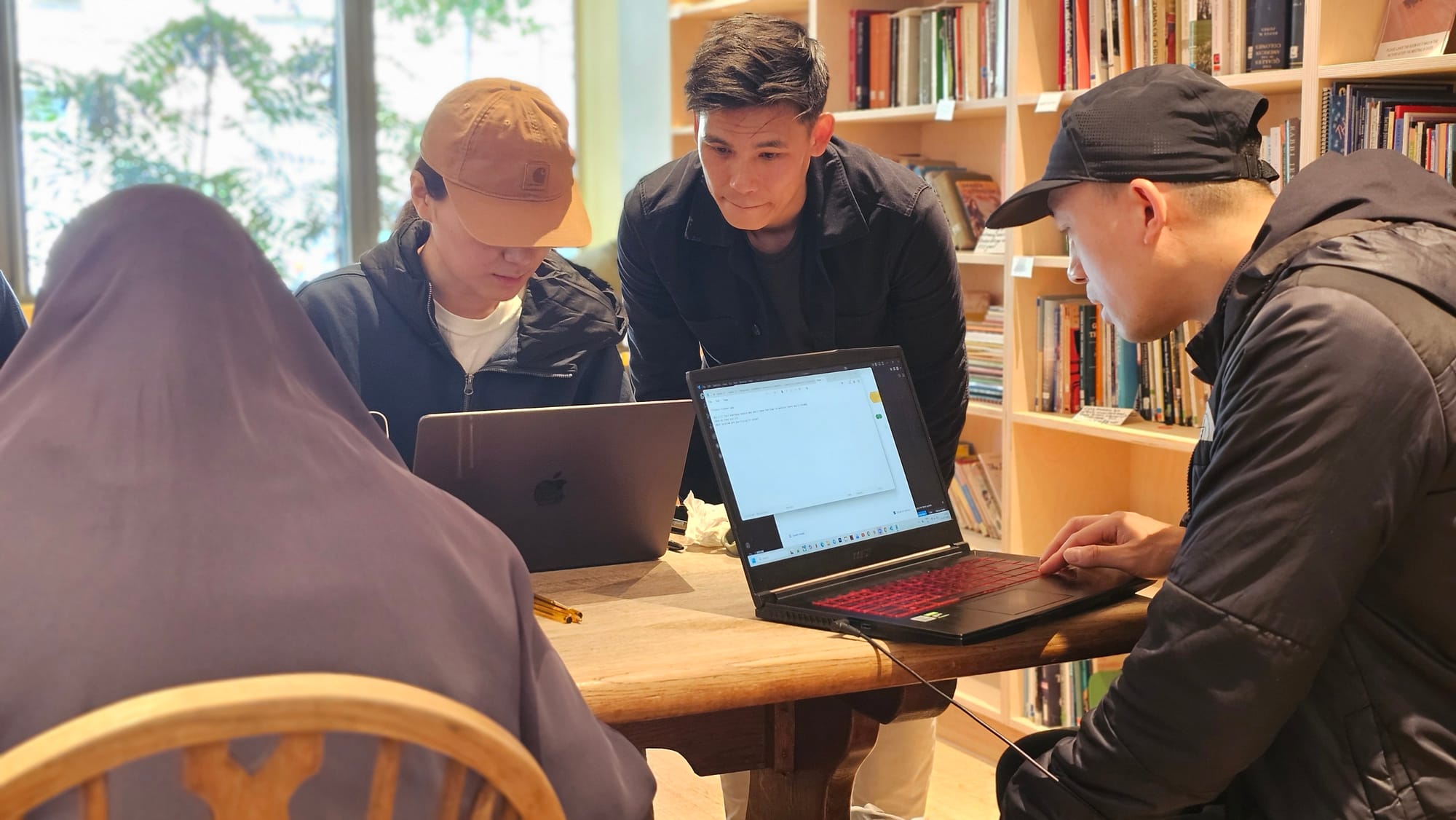
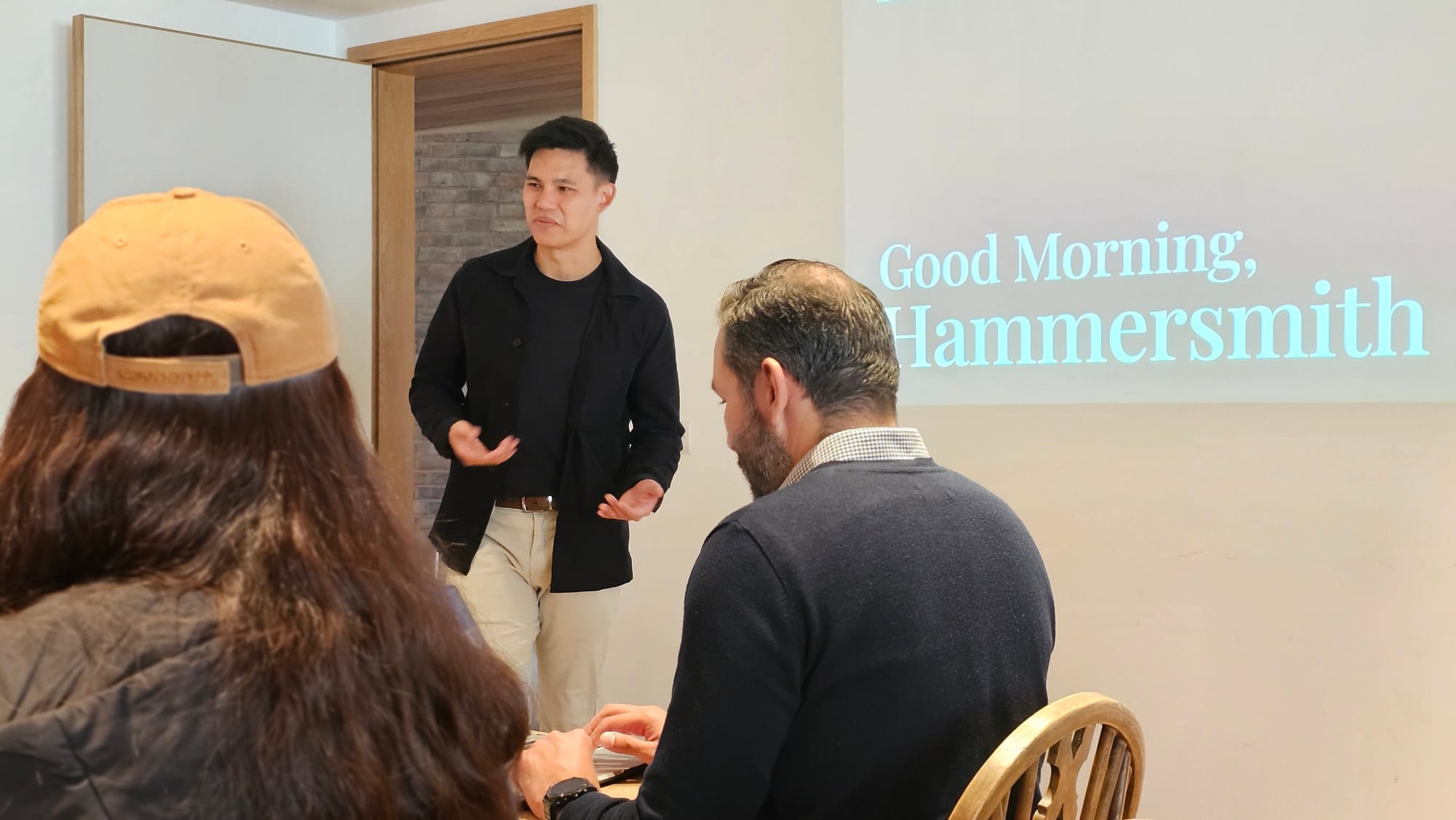
Workshop attendees working together
Hands-on coding collaboration
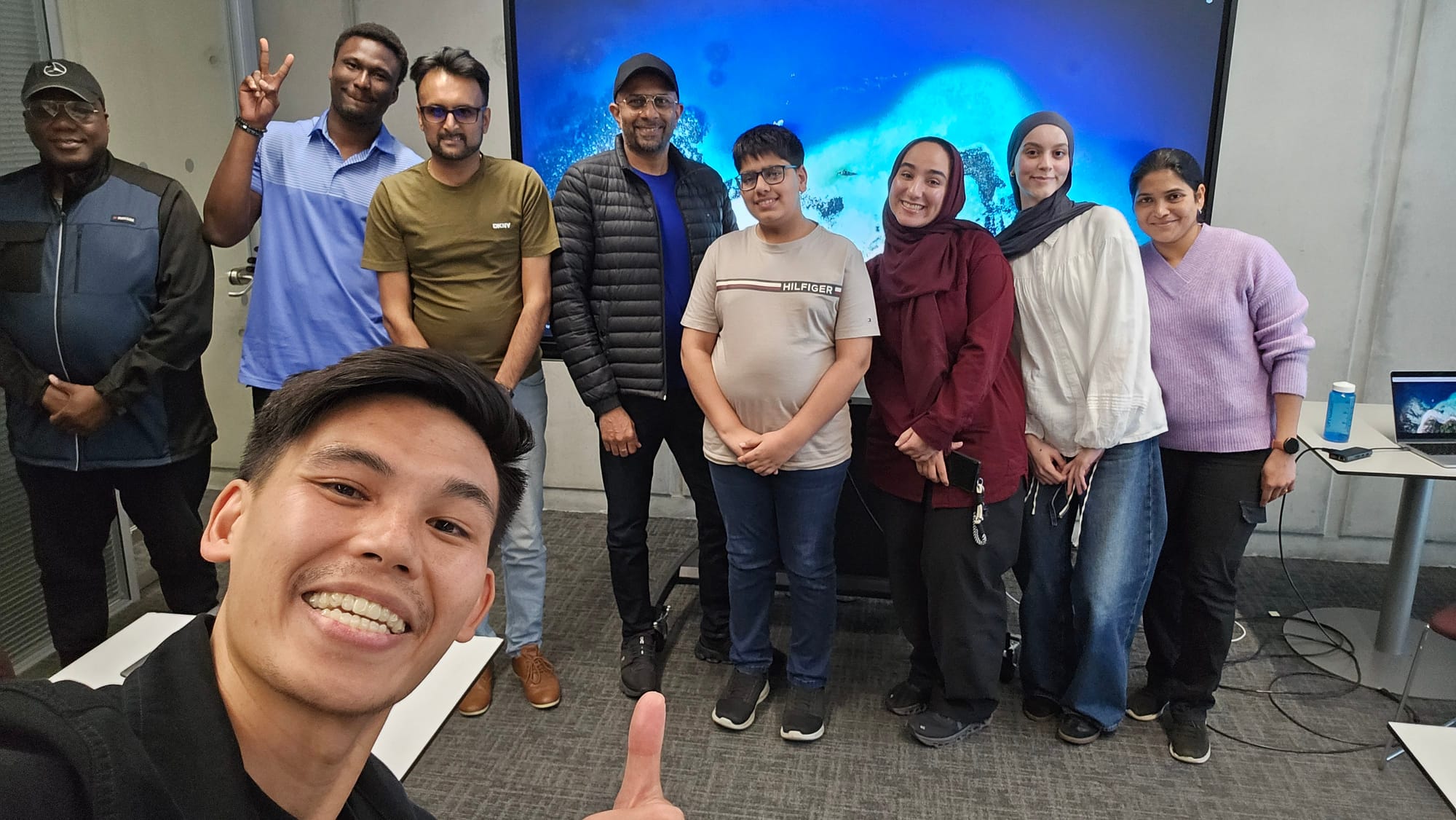
Team working through exercises
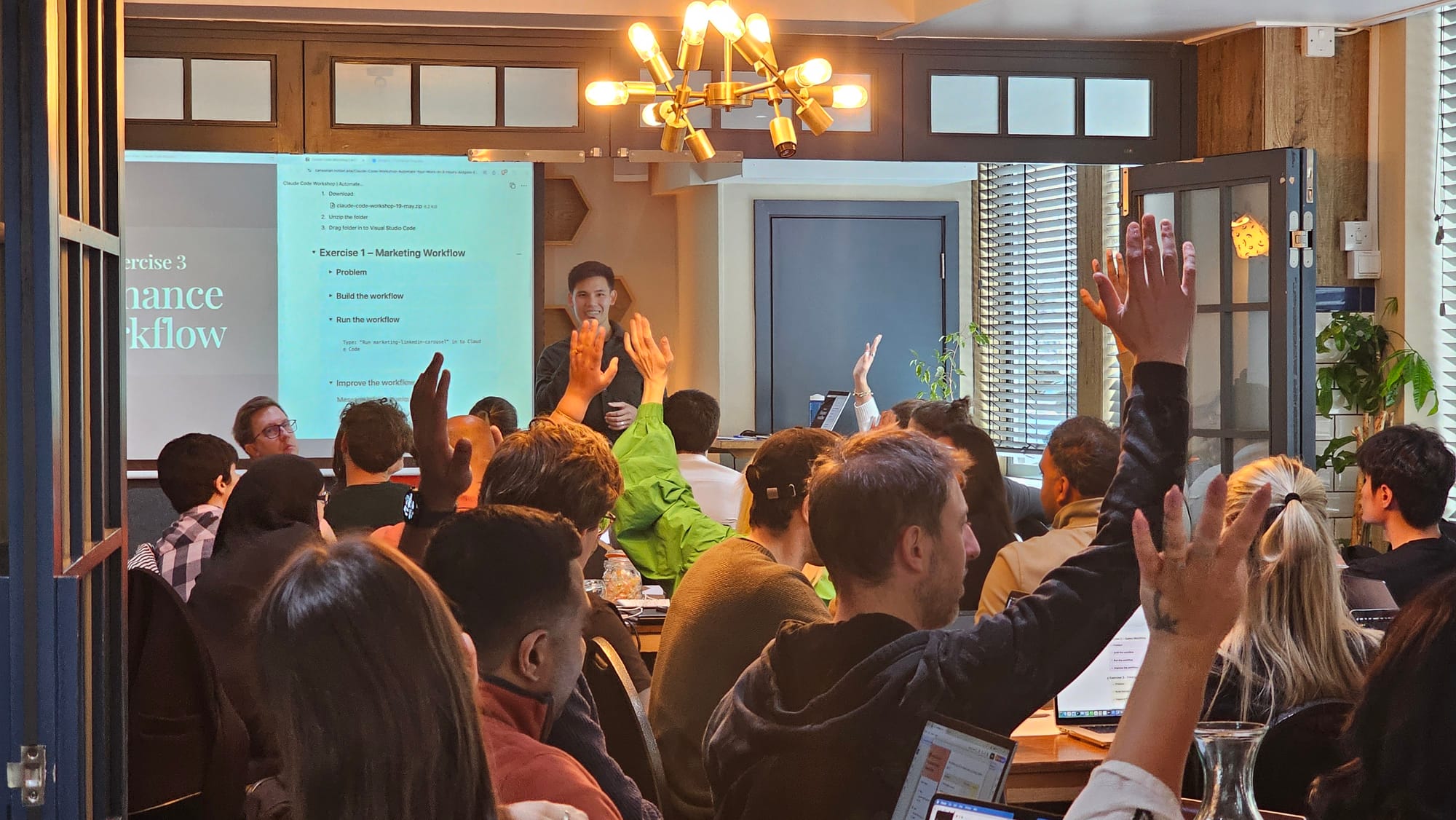
Instructor-led workshop session

Ready?

Get your team started

Tell me about your team and what you want them doing with Claude Code.

Enquire now